
App Instructions
A step-by-step guide to using GalacticFix for booking professional handyman services
-
1
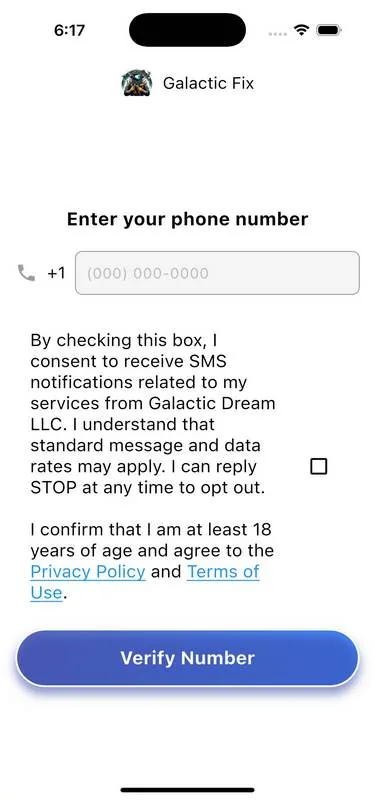
Enter Your Phone Number
To start using Galactic Fix, enter your phone number. Check the box to consent to SMS notifications and confirm that you agree to our Privacy Policy and Terms of Use.
-
2
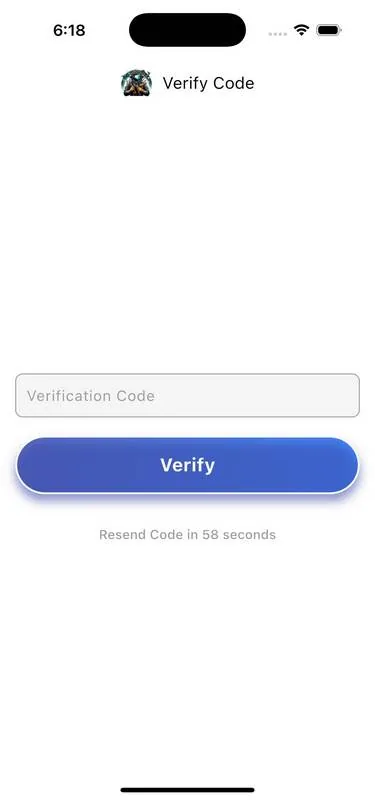
SMS Verification
After entering your phone number, we'll send a verification code via SMS. Enter this code to verify your identity. If you don't receive the code within 60 seconds, you can request a new one.
-
3
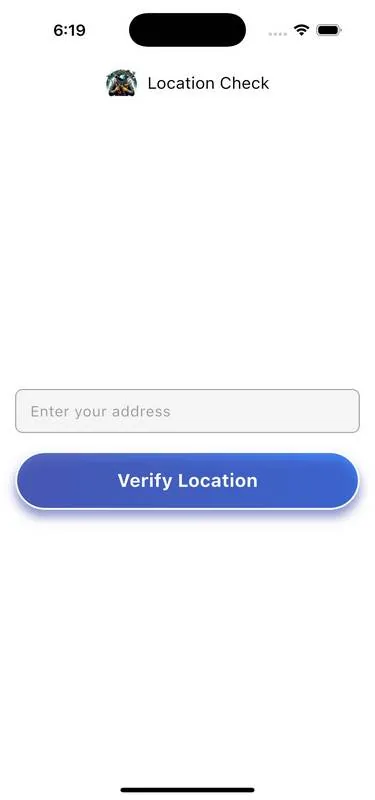
Location Check
We need to confirm service availability in your area. Enter your address and our system will verify if your location is within our service area. This step is required before registration.
-
4
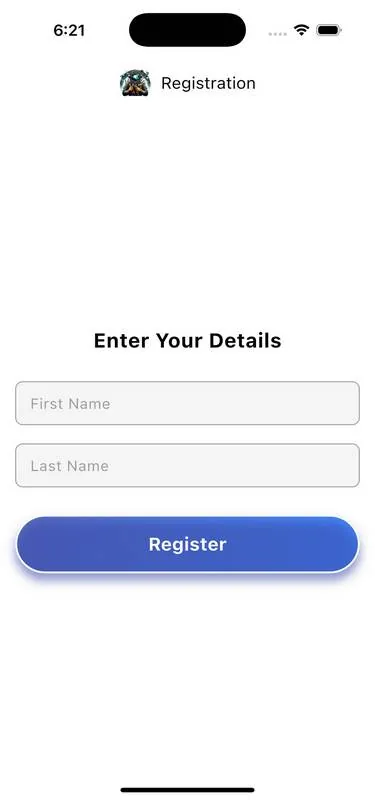
Complete Your Registration
After confirming your location, complete registration by entering your personal details — first and last name — then tap "Register" to continue.
-
5
Main Screen
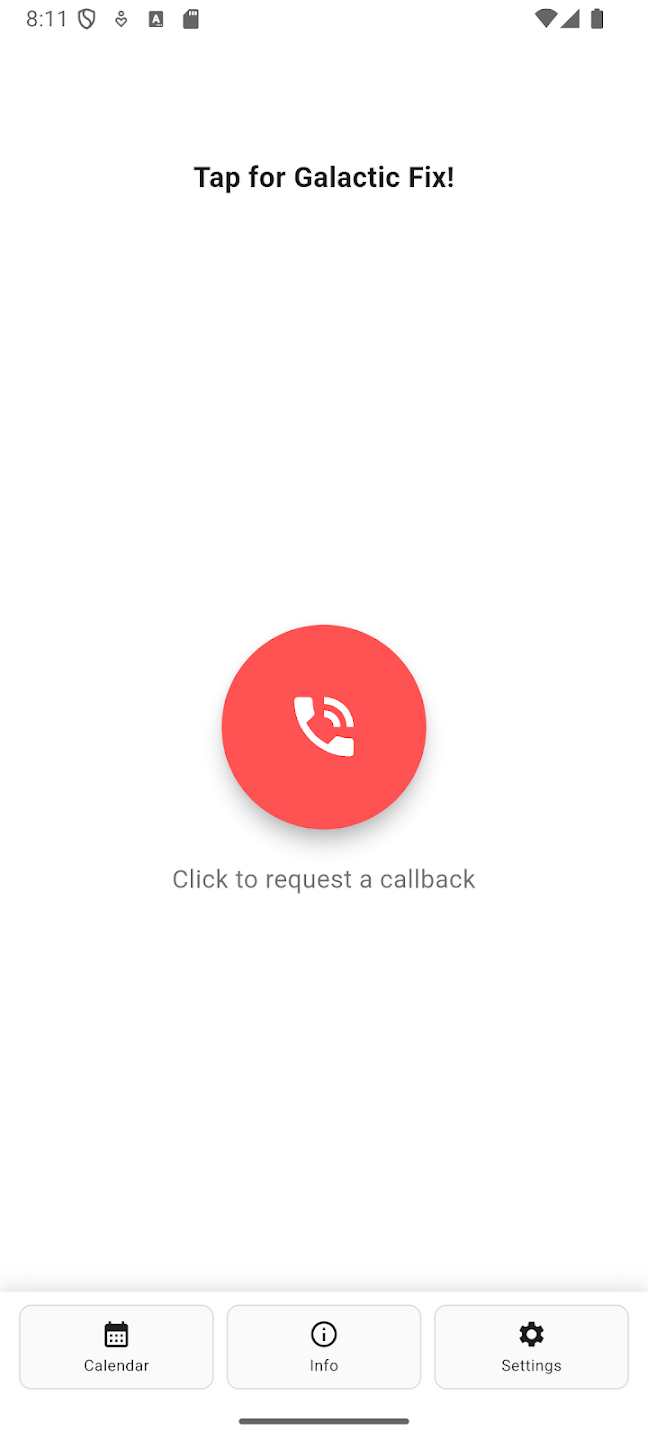
After registration you'll see the main screen with a "Tap for Galactic Fix!" message — your starting point for requesting services. You can also request a callback using the red button.
-
6
Book an Appointment
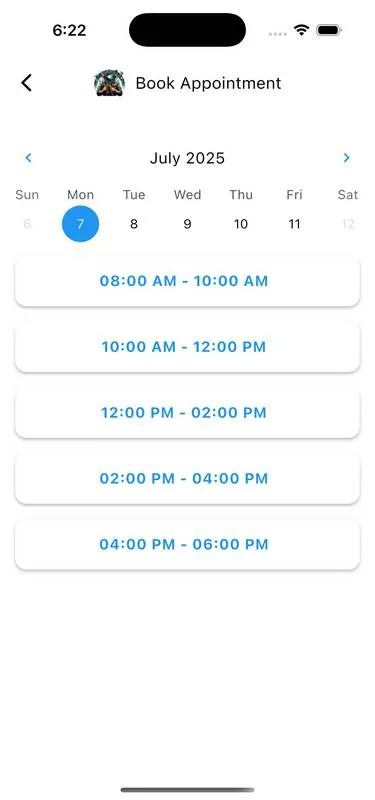
Tap on the main screen to book a service. Select a date from the calendar, then choose an available time slot. Our handyman will arrive during the selected time window.
-
7
Manage Your Account
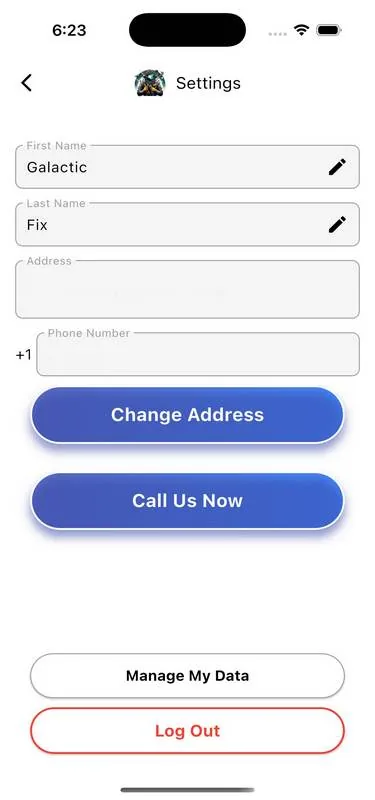
In the Settings section, update your personal information, change your address, or contact us directly. You can also manage data privacy settings or log out from the app.
-
8
Privacy Controls
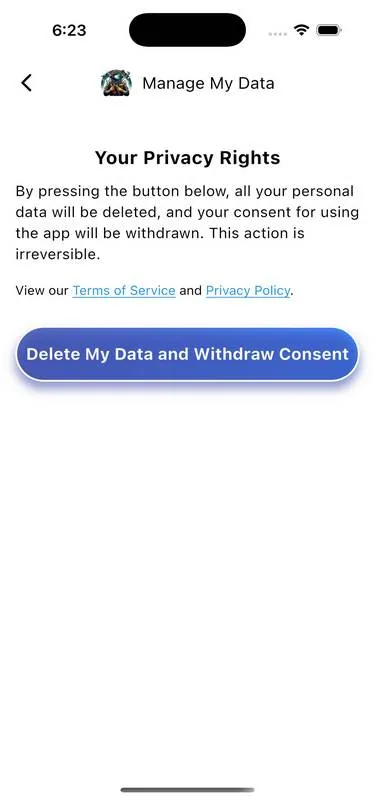
We take your privacy seriously. In the "Manage My Data" section, review your privacy rights and delete personal data if needed. You can also view our Terms of Service and Privacy Policy at any time.
Ready to Get Started?
Download the app and start booking professional handyman services today.